chalk&plate Open the app

Your marketing,done beforethe rush.

Chalk & Plate writes your posts, designs your flyers, chalkboards and sidewalk posters, drafts replies to your Google reviews, and reminds you before every special day. It learns your restaurant first, so nothing comes out of a template.

30 days free with 20 designs. Cancel anytime from the app.

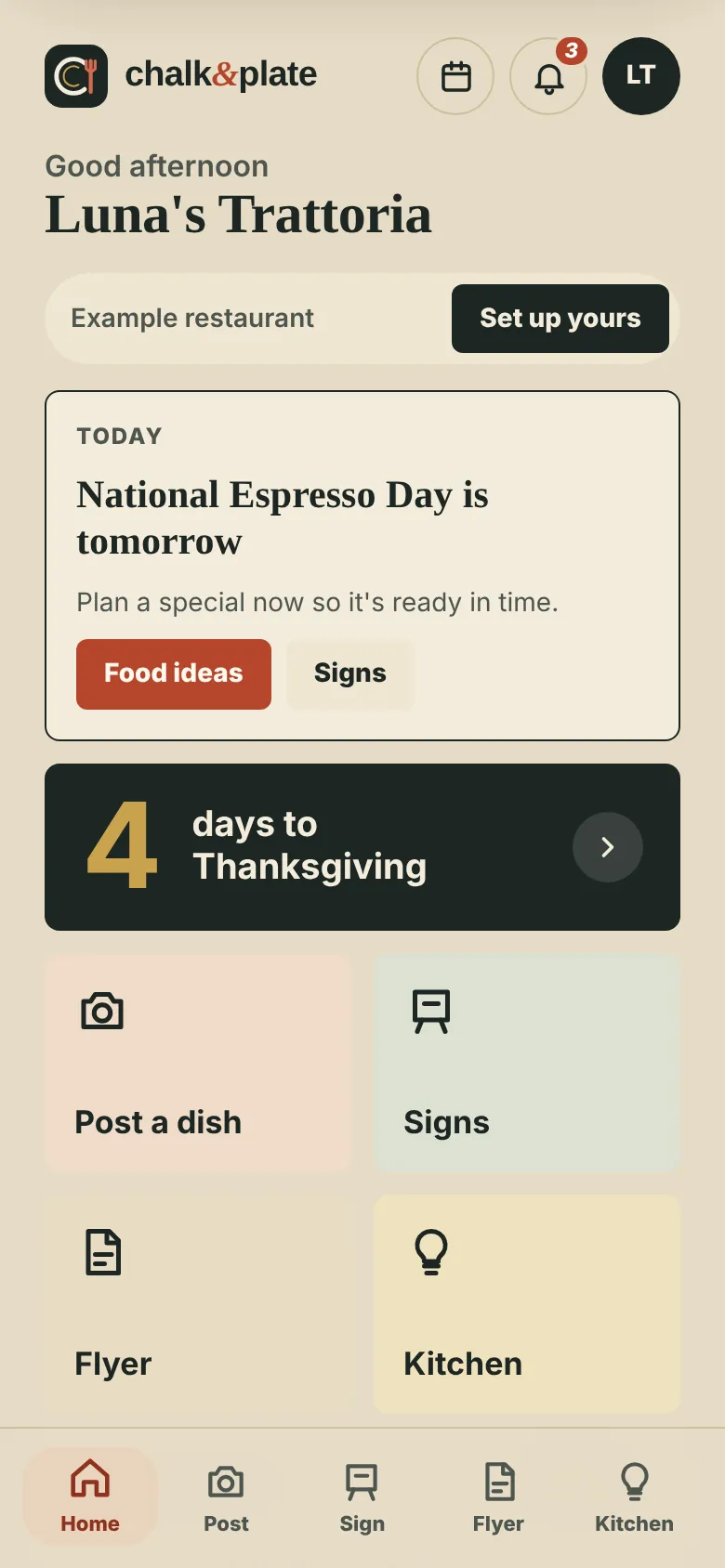
TODAY
  • Thanksgiving is in 4 days. Pumpkin ravioli special?
  • New 5 star review from Jordan. Reply is written.
  • Post the alfredo tonight. Caption's ready.
The Chalk & Plate home screen
What it does

Everything a busy owner skips, handled.

Set it up once. It reads your menu, your Google listing and your reviews, then helps like someone who has actually eaten there.

01

One thing to do, every day

Open the app and Today tells you the one thing worth doing: a special day coming up, a caption that's ready, or a review to answer.
02

Flyers and sidewalk posters

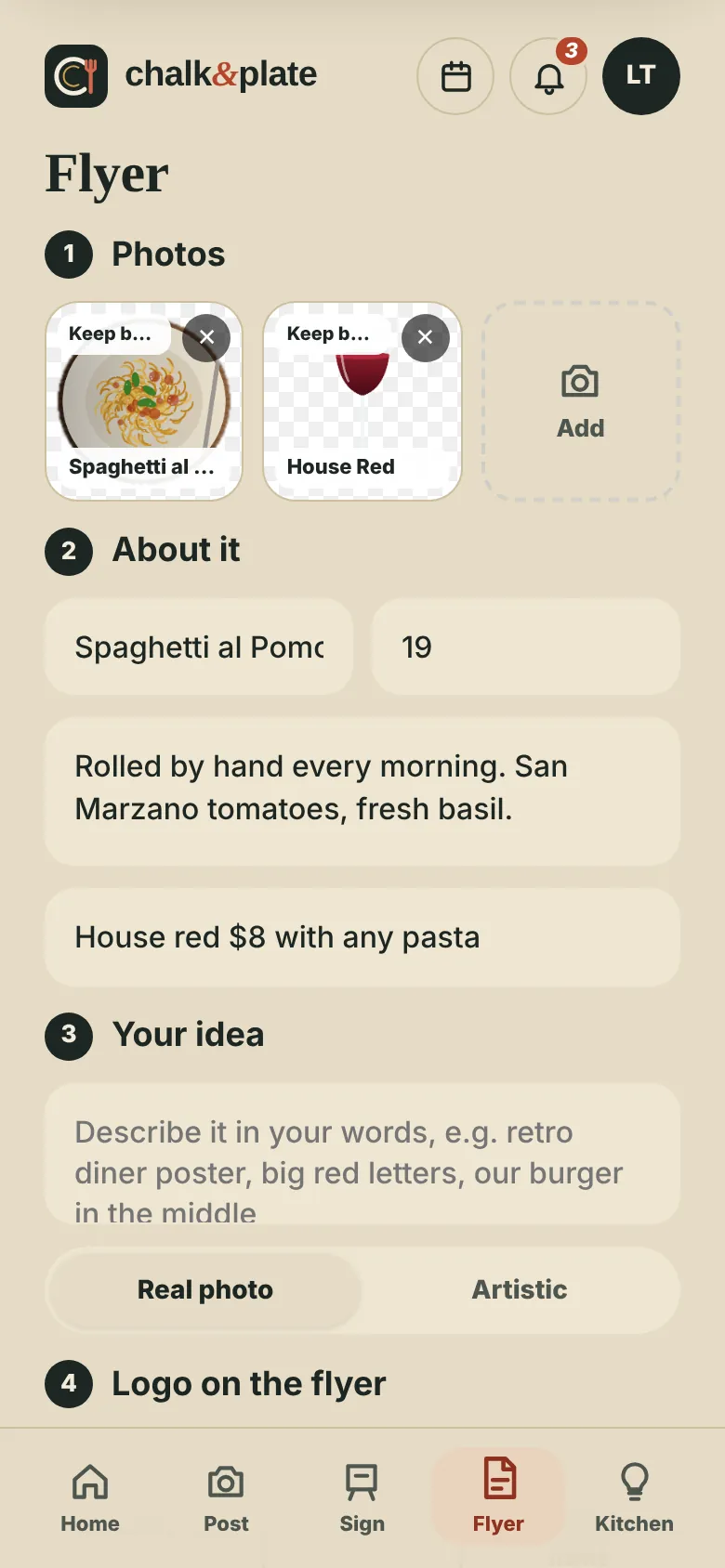
Describe it, or tap Surprise me. You get two fresh designs with your dish, prices and logo, spelling checked. Posters print at any size. Love one? Keep it as your style.
03

Chalkboards anyone can draw

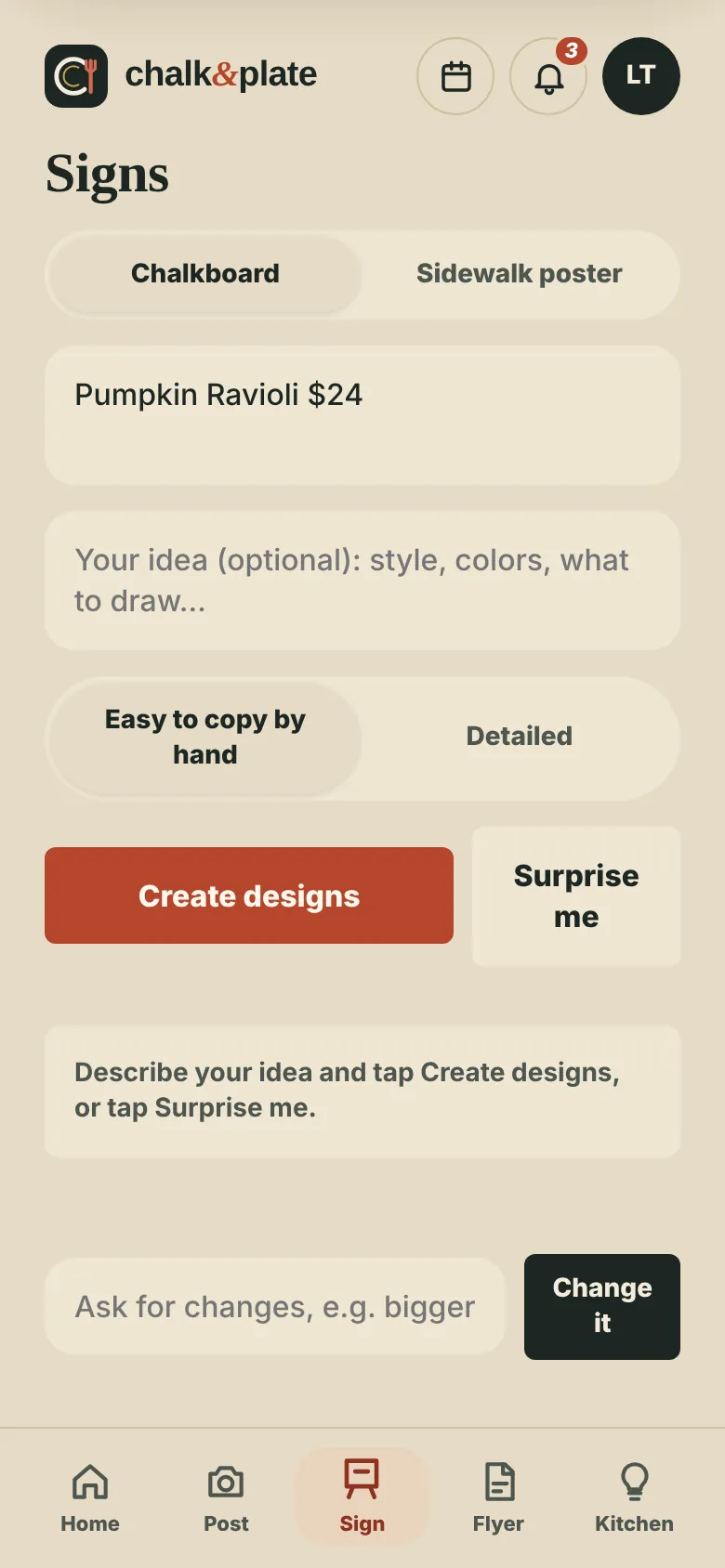
A board design plus step-by-step drawing help and a stencil, so whoever is on shift can chalk it in about twenty minutes.
04

Better photos, then the caption

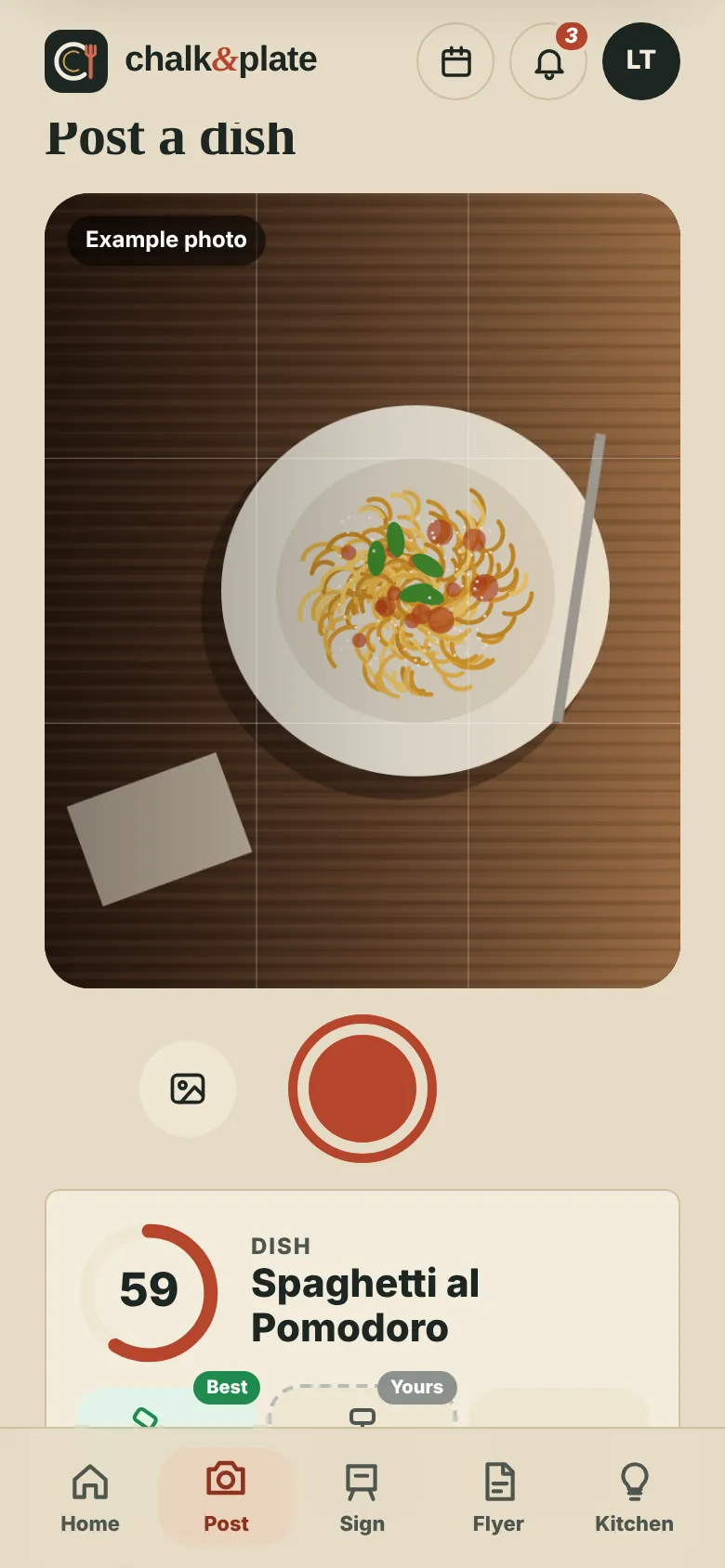
A photo coach helps you get the shot at the pass, then writes the caption and hashtags in your voice. English, Spanish, Russian, Hindi or Chinese.
05

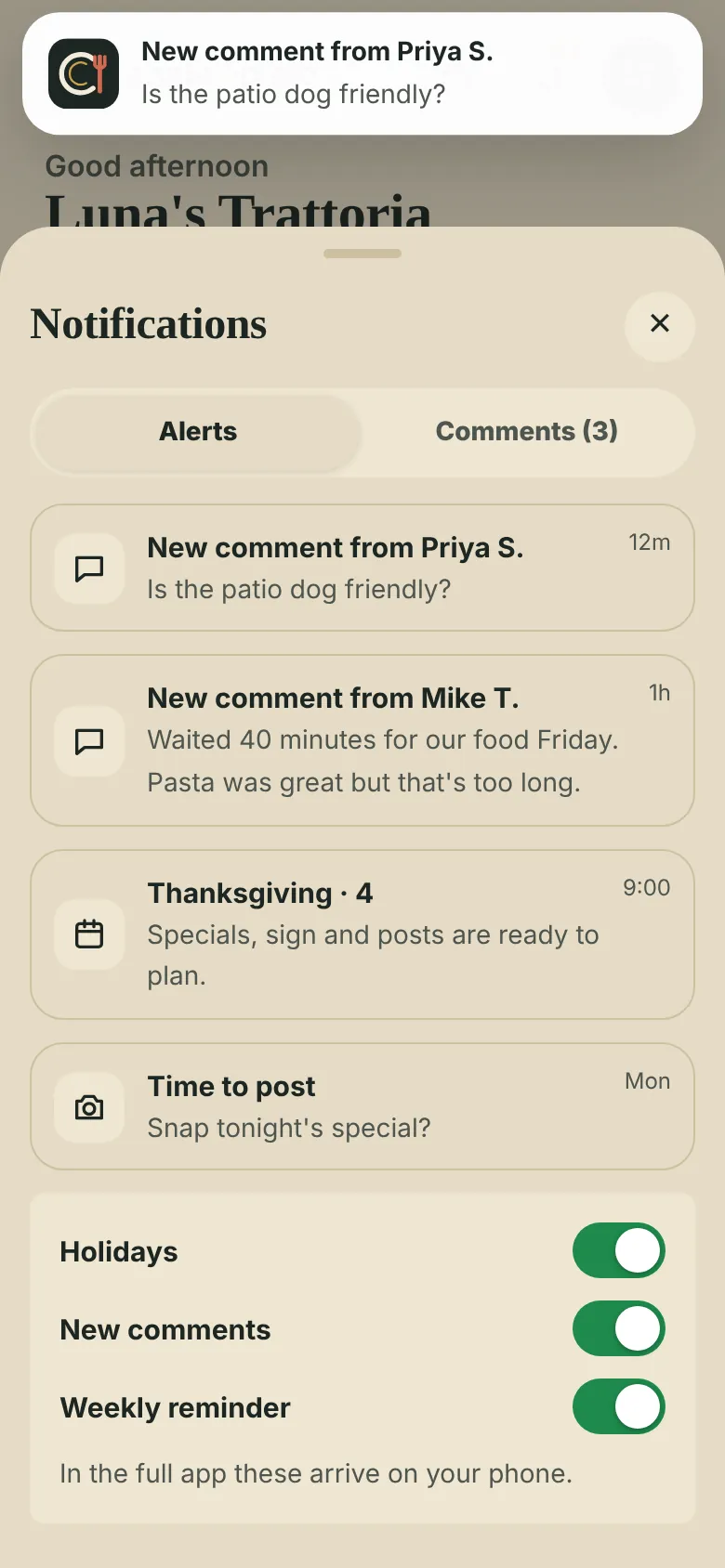
Every Google review answered

New reviews arrive as notifications. One tap writes a warm, specific reply. Copy it, open Google Maps, done.
06

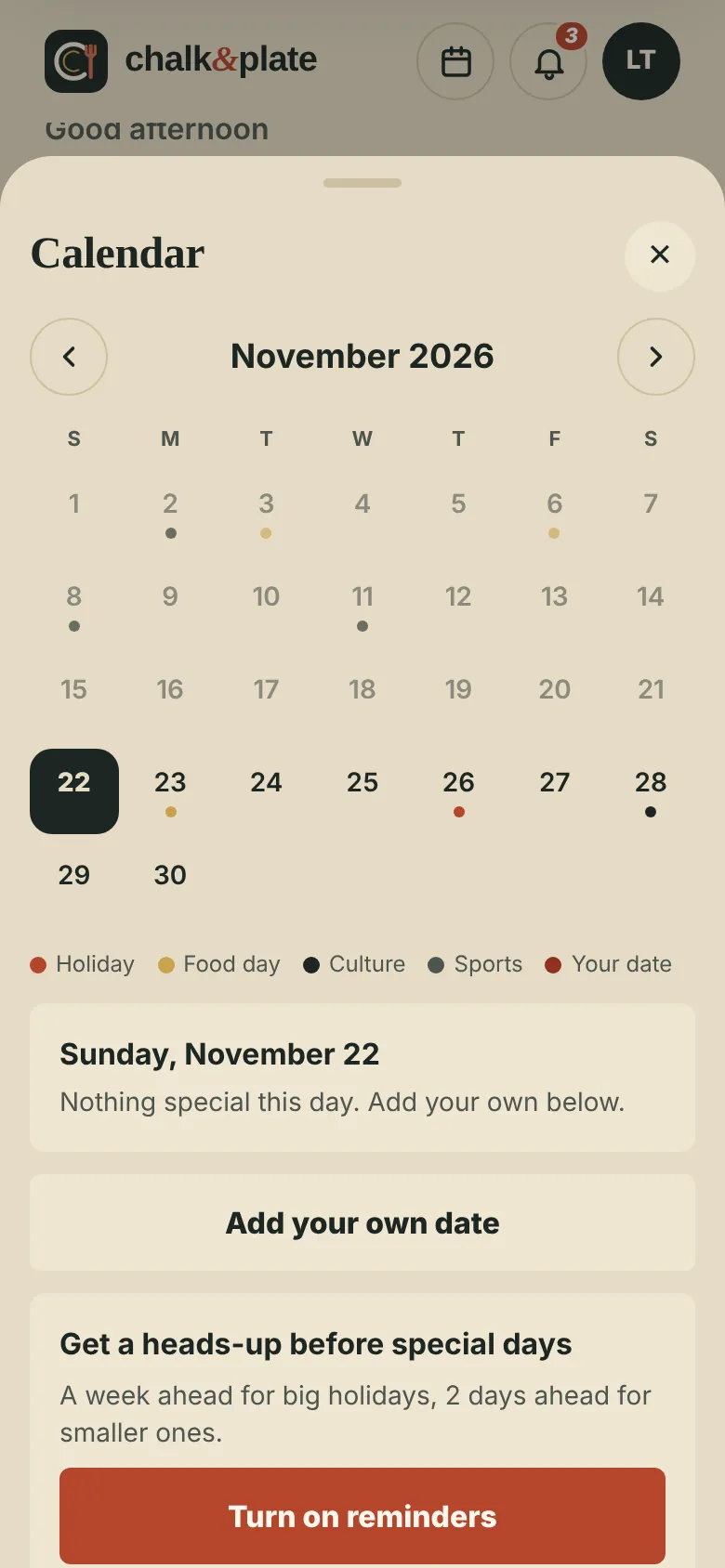
No special day sneaks up on you

Holidays, food days, big game days and your own dates, with a heads-up on your phone and a dish idea before each one.
Today screen Flyer screen Signs screen Photo coach Review notifications Calendar

Also inside: the Kitchen, with specials and drinks made for your menu, full recipes and an ingredient list with swaps.

How it works

Three minutes to set up.

1

Tell it your restaurant

Name and address. It finds you on Google, reads your menu and reviews, and asks two quick questions.

2

Open it once a day

Today shows one thing worth doing. Most days that's a minute of your time.

3

Post, print, chalk

Copy the caption, print the poster, draw the board. Back to the kitchen.

Made to fit

It even dresses like your place.

After setup the app picks one of five looks for your kind of restaurant. Switch whenever you like.

The Bistro look
Prices

Simple, and less than one printed banner.

Both plans include everything. The only difference is how many designs you make each month.

Basic
$39/ month
or $421.20 a year
  • 60 designs a month
  • Flyers, chalkboards and sidewalk posters
  • Captions, review replies, calendar and Kitchen
  • Five languages
Start free
Pro
$49/ month
or $529.20 a year
  • 150 designs a month
  • Everything in Basic
  • Made for places that change specials daily
Start free

Your first 30 days are free with 20 designs. A card starts the trial, and you can cancel from the app before it ends.

No website yet?

We'll build you one.

Plenty of great places only have a Google listing. We make simple, good-looking websites with your menu, hours and photos, at a small-restaurant price.

Ask about a website
Questions

The ones we hear most.

Do I need design skills?

No. Type what you want the way you'd say it, like "pumpkin ravioli is back, $24". Don't like something? Ask for a change the same way.

Will the designs look like AI art?

That's the one rule we never break. Every design is planned around a real printing or painting technique, and the spelling is checked before you see it.

Is there an app to download?

Not needed. Open the site on your phone and add it to your Home Screen. It works like an app, reminders included. Store versions are coming.

Which languages does it speak?

English, Spanish, Russian, Hindi and Chinese, for the app and for your posts. Use the app in one language and post in another.

Can it post to Instagram for me?

Not yet. Today you copy the caption and save the picture in one tap. Posting straight to your pages is next on our list.

How do I cancel?

From the Me page in the app. No phone calls. You can delete your account there too, and everything goes with it. More in our privacy policy.

Set it up tonight. Use it at tomorrow's lunch.